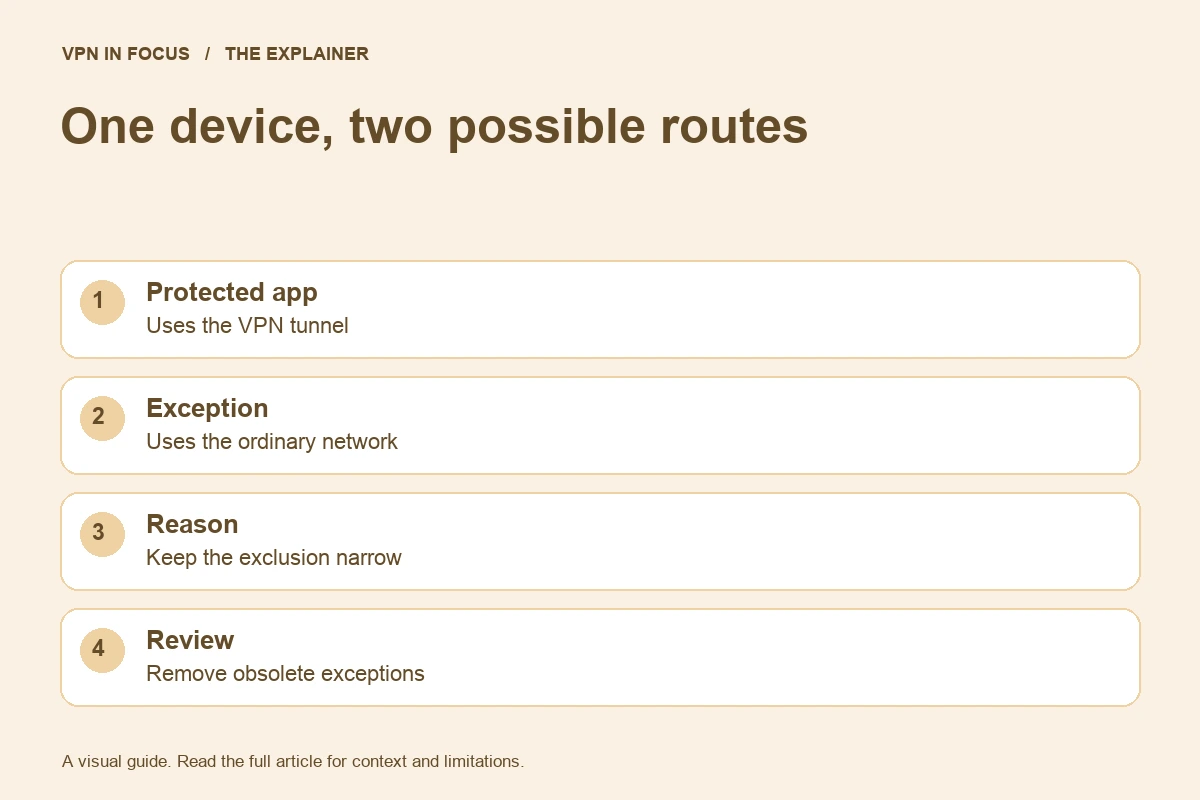
Split tunneling allows a VPN configuration to treat some traffic differently from the rest. A particular app or destination may use the ordinary connection while other traffic uses the tunnel. That can solve a compatibility problem, but the exception belongs in your mental model of the setup.
The risky assumption is not using an exception. It is forgetting that the exception exists and later describing all device traffic as protected by the same route.
Name the reason for each exception
A local printer, a work resource, or a service that behaves poorly through a VPN can motivate a routing change. Write down the specific problem before creating the exception. Then test whether the exception actually resolves it.
Avoid broad exclusions when a narrower supported option would meet the need. The exact controls vary by app and operating system, so read the current documentation. Do not copy a rule from a different platform and assume it has the same effect.
Understand what the destination sees
Traffic outside the tunnel may reach a service using your ordinary public IP address. That can be acceptable for a specific task, but it changes the privacy relationship. The VPN’s connected badge may still be visible while the excluded app follows another route.
Imagine excluding a browser to fix one website. Every other activity in that browser may now use the same exception, depending on the implementation. A convenience change can therefore have a broader effect than the original problem suggests.
Review interactions with other settings
Kill switches, local-network access, custom DNS, and work connections can interact with routing choices. The only safe generalization is that the exact behavior needs documentation and testing. A collection of familiar feature names is not a complete description of the final route.
After a major app update or device replacement, revisit your assumptions. Settings can move, supported combinations can change, and an old workaround may no longer be necessary. Keep the setup as simple as your requirements allow.
This week’s practical check
Open the split-tunneling settings and list every exception, its purpose, and the date you last needed it. Remove unnecessary entries through the app’s normal controls. If you cannot explain an exception, investigate before relying on the configuration. The kill-switch guide helps connect those decisions to what happens when the tunnel fails.
Sources & further reading
This evergreen briefing was prepared on September 24, 2026 for scheduled publication. It does not report a future event. Check linked documentation for changes to product behavior.
About the author

Daniel’s section looks beyond product headlines to the details: how an audit is scoped, what a protocol changes, and where a feature has limitations. Weekly briefings turn these subjects into practical reading and checklists.
Daniel Brooks is a fictional contributor profile created for this publication. This profile does not represent a verified individual or professional credentials. Read our editorial policy.