Which one fits your routine?
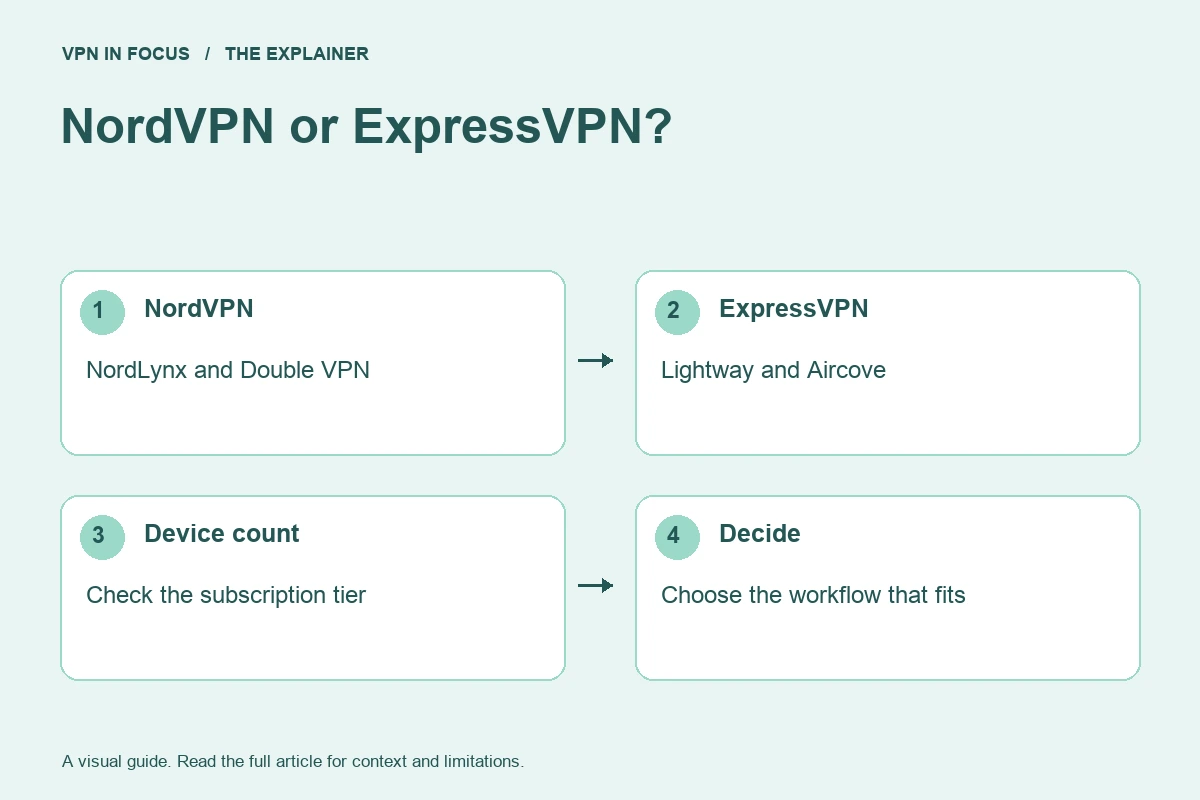
NordVPN is the more natural starting point if you want to explore specialty connection modes such as Double VPN. ExpressVPN is worth comparing if you prefer its Lightway connection approach and want to consider the Aircove router ecosystem. Neither feature set is automatically better for every household.
Begin with the device count. NordVPN lists ten simultaneous connections. ExpressVPN’s current limits depend on the plan: ten on Basic, twelve on Advanced and fourteen on Pro. Older comparisons can miss this distinction, so use the tier on your actual checkout page.

NordVPN
A versatile starting point for everyday VPN use.
- Ten simultaneous connections
- NordLynx and specialty connection modes


ExpressVPN
A streamlined connection experience built around Lightway.
- Lightway available across major platforms
- Dedicated Aircove router option
Compare the key differences
| What matters | NordVPNRead review → | ExpressVPNRead review → |
|---|---|---|
| Best fit | Everyday features | Straightforward connections |
| Simultaneous devices | 10 | 10 Basic / 12 Advanced / 14 Pro |
| Free plan | No permanent free plan | No permanent free plan |
| Connection protocols | NordLynx, OpenVPN; NordWhisper on supported apps | Lightway; other options vary by platform |
| Multi-hop approach | Double VPN | No user-configurable multi-hop route |
| Blocking tools | Threat Protection; features vary by plan and platform | Lite / Advanced Protection, depending on plan |
| Port forwarding | Not offered | No incoming forwarding on VPN servers |
| Refund policy | 30 days; eligibility and purchase-channel terms apply | 30 days for eligible new users; purchase-channel terms apply |
| Platform coverage | Windows, macOS, Linux, Android, iOS; supported TV apps and routers | Windows, macOS, Linux, Android, iOS; supported TV apps and Aircove routers |
| Operating jurisdiction | Panama | British Virgin Islands |
| Code transparency | Selected components; not all apps | Lightway is open source; not all app code |
| Support options | Live chat and help center | 24/7 live chat and help center |
| Current plans | View plans | View plans |
NordLynx and Lightway are not a speed test
NordLynx is NordVPN’s WireGuard-based implementation. Lightway is a separate protocol developed by ExpressVPN. Both are designed for modern VPN connections, but architecture and marketing claims cannot tell you the outcome on your specific route.
Test a nearby location on the same device, then test the distant location you need. Keep the protocol and connection mode in your notes. A router installation, a mobile handover and a desktop download are different workloads; do not collapse them into one “fastest VPN” claim.
Privacy evidence and server design
ExpressVPN’s TrustedServer explanation focuses on RAM-based infrastructure and software deployment. NordVPN’s trust center brings together its own security and assessment information. Read the underlying scope: a server audit, an app assessment and a protocol review answer different questions.
A no-activity-logs policy does not mean no account data exists. Review payment, support and diagnostic categories separately. Likewise, a provider’s jurisdiction is context, not a complete security score. The policies and implementation matter alongside the legal location.
Advanced controls versus a router ecosystem
NordVPN’s specialty modes are useful when you can connect a particular feature to a particular need. Double VPN adds a second VPN hop, while a dedicated IP serves a different purpose by providing a more consistent exit address. Neither should be enabled simply to make a configuration look more advanced.
ExpressVPN’s Aircove option can simplify some home-network deployments. Budget for the hardware and service separately, and check the supported arrangement before purchase. A home router does not protect a phone once it switches to cellular data. Individual apps may be more flexible if household members need different locations.
Plans, streaming and refund evaluation
Both providers separate core VPN access from additional security products. Compare a tier with the features you need, rather than automatically matching the most expensive bundle against the cheapest competitor. Read initial and renewal totals, taxes and purchase-channel refund conditions.
For streaming, evaluate your own service, device and account under the service’s rules. Neither provider can guarantee a catalogue indefinitely. For authorized P2P workflows that require incoming port forwarding, neither is the relevant forwarding option; consider a supported Proton VPN or PIA setup instead.
Our choice by situation
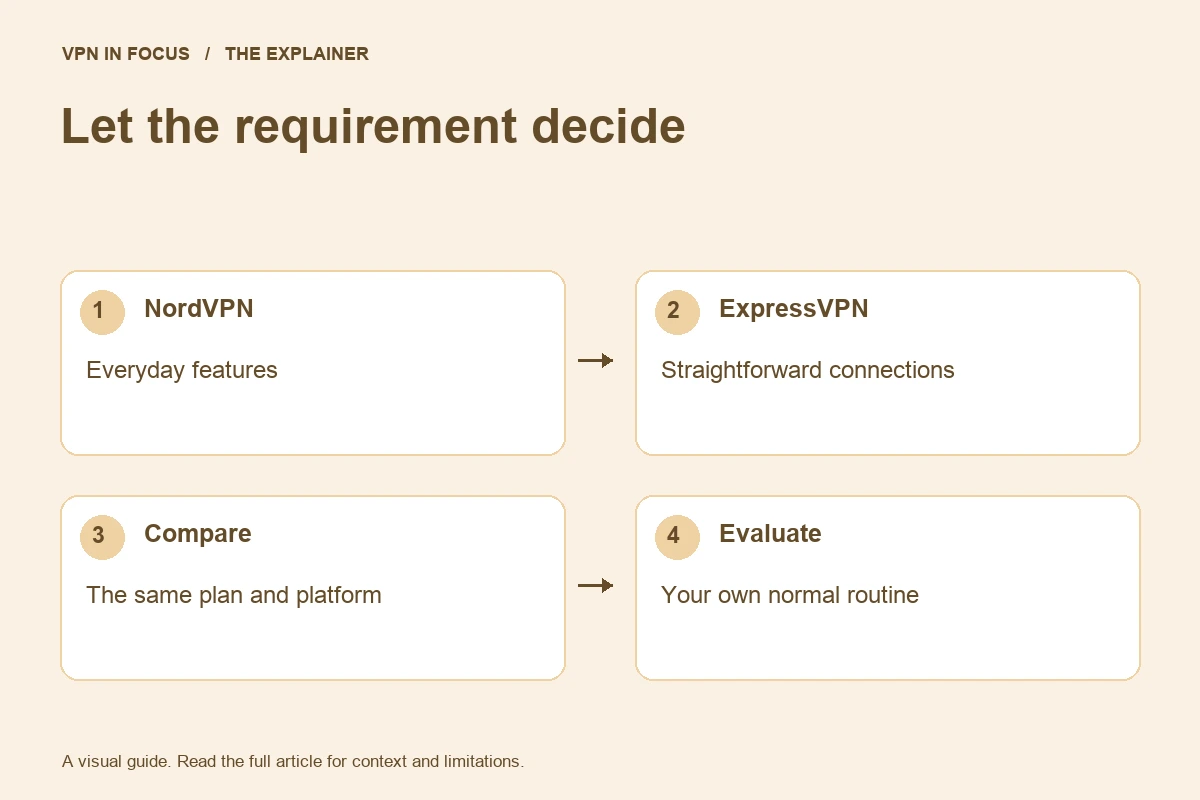
Choose NordVPN when its specialty routes and broader collection of connection options are the reason you are subscribing. Choose ExpressVPN when its connection workflow or supported router ecosystem better fits the household. If your requirement is simply a nearby encrypted connection, usability on your actual devices can be more meaningful than an extra feature you never enable.
During evaluation, check sleep and wake, Wi-Fi-to-cellular transitions, local printers and the applications you use every day. These observations are more actionable than borrowing someone else’s benchmark. Keep your refund deadline visible while troubleshooting.
Frequently asked questions
Which VPN is faster?
We have not run a controlled comparative benchmark for this article. Route, device, protocol and network conditions affect the result; compare a repeatable task on your own setup.
Should I choose the cheapest long subscription?
Compare the initial total, renewal cost and features you will actually use. A low monthly equivalent can require a long prepaid commitment.
Can I compare a third VPN?
Yes. Use Add to compare on any service card, choose up to three VPNs and open the comparison. You can hide identical rows or open a shareable page.
Sources & further reading
Provider statements describe advertised capabilities. They are not independent performance measurements. Sources were consulted while preparing this article on September 24, 2026.
About the author

Alex’s coverage starts with a simple question: what do you actually need a VPN to do? This profile brings together buying guides and service comparisons, with a focus on subscription terms, device compatibility, and useful everyday features.
Alex Morgan is a fictional contributor profile created for this publication. This profile does not represent a verified individual or professional credentials. Read our editorial policy.