Try before upgrading
Our take
A free entry point with a high-speed allowance, plus paid security and routing tools.
Who should try PrivadoVPN?
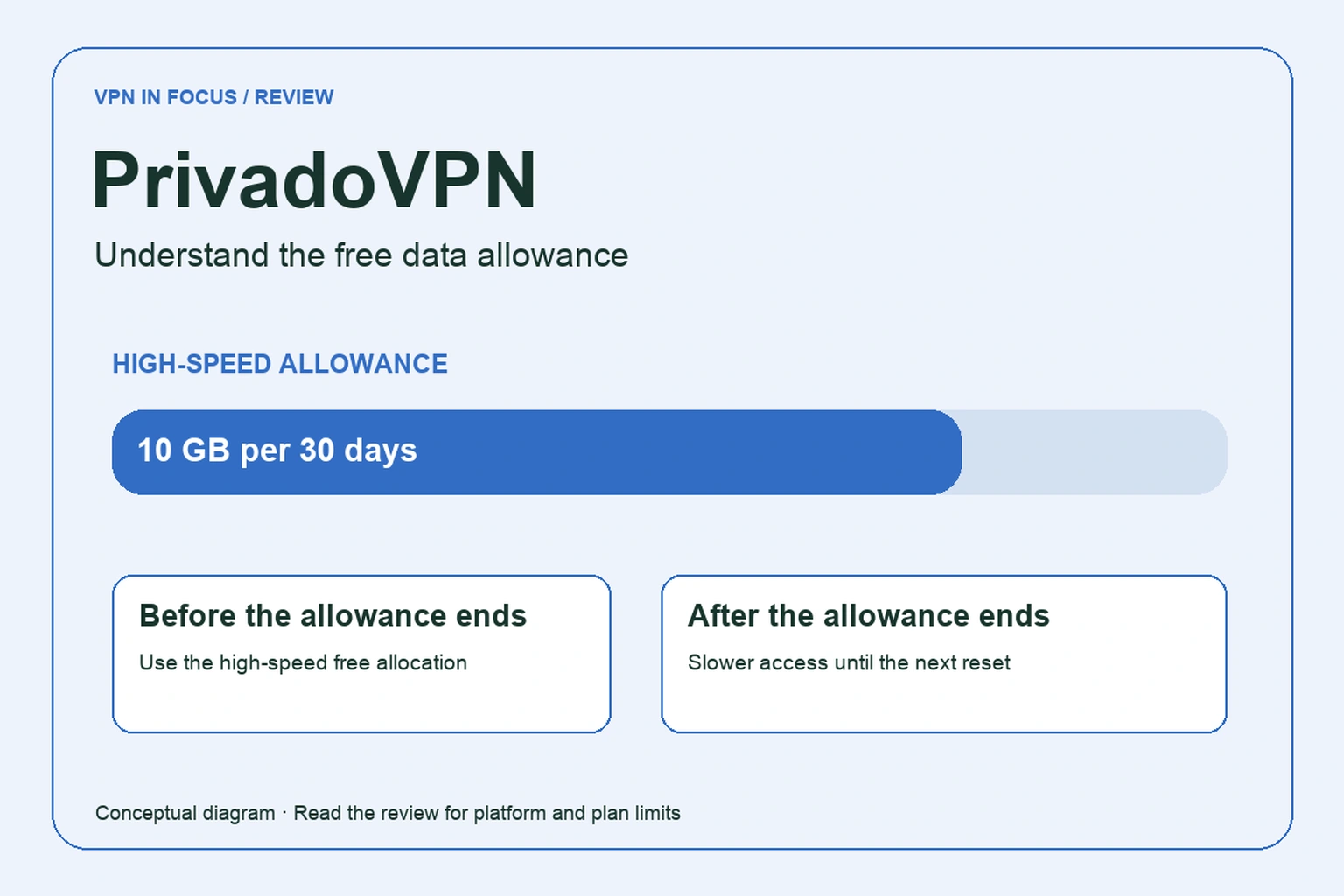
PrivadoVPN is an interesting starting point for someone who wants to try a real VPN connection before making a paid commitment. Its free plan provides an allowance of high-speed traffic, followed by slower access. That makes it useful for learning how a VPN fits a phone or laptop, with a clear reason to monitor usage.
The paid product adds more than data. Depending on the offer, it includes additional routing, filtering and security tools. Our recommendation is to treat those as separate decisions. First establish whether the VPN works for your ordinary tasks; then decide whether the extras replace something you need.
One buying detail needs care: the website uses broad unlimited-device language while its support documentation specifies simultaneous-connection limits. Installation count and active connections are different things. We keep that distinction visible instead of turning a marketing phrase into an unsupported promise.
What stands out
- Free plan for trying the connection
- Paid SOCKS5 and split-routing tools
- Control Tower filtering on eligible plans
What to weigh up
- Free high-speed allowance is limited
- Device wording differs between marketing and support pages
- A SOCKS5 proxy does not encrypt traffic like a VPN
PrivadoVPN at a glance
| Devices | 10 paid / 1 free in support documentation; confirm newer offers |
|---|---|
| Free plan | 10 GB high-speed data per 30 days; slower access afterward |
| Protocols | WireGuard, OpenVPN and IKEv2; availability varies |
| Platforms | Windows, macOS, Android, iOS, Fire TV, Android TV, Apple TV and browser extensions |
| Port forwarding | Not documented in the cited standard plan |
| Refund conditions | 30 days advertised; verify term and payment eligibility |
How the free allowance works
The free offer describes 10 GB of high-speed data per 30-day period, with a slower connection after the allowance is used. The support comparison describes the reduced rate as 1 Mbps. This is not the same experience as a paid connection with no recurring high-speed quota.
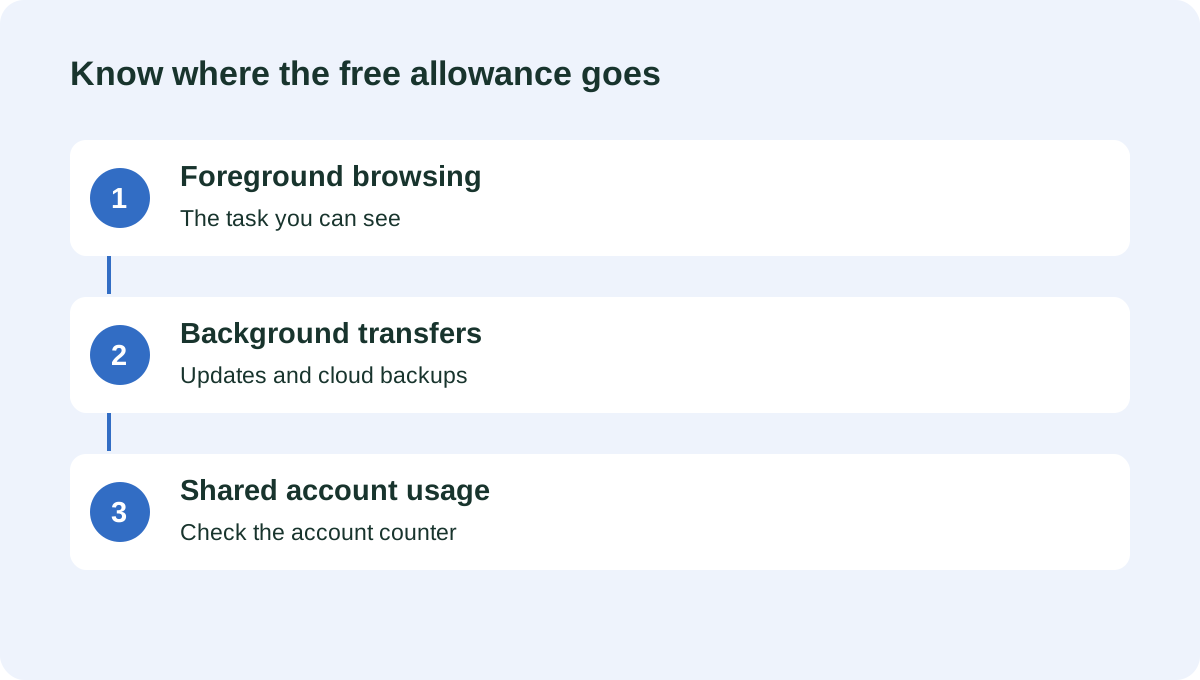
For occasional browsing or checking a connection away from home, the allowance can be a practical way to evaluate the app. For daily large downloads, cloud backups or high-resolution video, it can disappear quickly. Background activity counts too, so a laptop syncing a photo library can use data even while you are reading a simple webpage.
Check the reset information in your account instead of assuming it follows the first day of the calendar month. Keep a note of the allowance before and after an ordinary session. That gives you a more useful estimate of suitability than a guess based on how many hours you were online.
Device limits and application coverage
The support article specifies one simultaneous connection for a free account and ten for Premium. Some promotional pages also use unlimited-device wording. Before buying a newer offer, ask which limit applies to active tunnels and retain the answer with your receipt.
Think about simultaneous use concretely. A phone that stays connected throughout the day and a laptop that opens a VPN in the evening use two active connections when both are on. Installing an app on a spare device does not by itself establish that the plan supports another concurrent tunnel.
The provider lists desktop, mobile and several television applications, as well as browser extensions. A browser extension has a narrower scope than the full-device VPN application. If another program needs the protected route, confirm which application is actually handling its traffic.
Protocols, SmartRoute and SOCKS5
The provider’s support comparison lists WireGuard, OpenVPN and IKEv2, with availability depending on the platform. Start with the recommended setting and change one option at a time if a network fails to connect. A collection of protocol names is useful only when the one you need exists in your current app.
PrivadoVPN also advertises selective routing and a paid SOCKS5 proxy. A proxy is not automatically an encrypted VPN tunnel. It can change the address seen by a supported application, but it should not be counted as providing the same network protection merely because it comes with the same subscription.
For example, sending one permitted file-sharing client through a SOCKS5 proxy does not route every other application through the VPN. If confidentiality on an unfamiliar network is the objective, first establish the full VPN connection and then assess whether an additional proxy serves any purpose.
Do not infer incoming port forwarding from the existence of a SOCKS5 service. They solve different problems. If you need an externally reachable application, seek explicit forwarding documentation or compare a provider that describes the capability clearly.
Control Tower and security bundles
PrivadoVPN markets Control Tower and related tools for ads, threats and content categories. These are filtering features with a different role from encrypted routing. A filter can reduce requests to selected destinations; it does not establish that every destination left accessible is trustworthy.
Check whether the settings apply to the whole account, a device or a particular app. That matters when a family member reports that a legitimate website has stopped working. Before disabling all protection, identify the category or rule responsible and test a narrow exception.
Antivirus and email-relay products also appear in the broader product lineup. Do not assume a VPN subscription automatically includes every advertised service on every operating system. Review the order summary and the separate renewal conditions for any optional component.
Privacy statements and the free model
PrivadoVPN presents itself as a Swiss service with a no-activity-logging policy. Those statements deserve to be read alongside the actual privacy terms, particularly when you are using a free account. The relevant questions are what supports the quota system, what is needed for account recovery and how diagnostics are handled.
A bandwidth quota does not by itself imply retention of browsing history. Nor does a no-logs slogan tell you that an account has no email address or purchase record. Distinguish the data needed to operate an account from a record of the websites visited through a tunnel.
We have not independently audited the provider’s infrastructure. If you need stronger evidence, look for a report with a named assessor, a date and a clear scope. Do not treat the location of the business as a substitute for that evidence.
Paid plans and refund conditions
The marketing page advertises a 30-day money-back guarantee, while the support plan comparison specifically refers to longer paid terms. Confirm whether your selected monthly, annual or other offer qualifies, and whether an app-store purchase follows a different process.
The free plan is especially useful here: you can check the interface and basic connectivity before entering a paid renewal arrangement. It will not prove that a paid-only location or feature works for your task, but it can reveal an incompatible device or an app you find difficult to use.
Calculate the total price at checkout and the renewal amount independently. If several security products are bundled, write down which ones you actually plan to keep. Cancelling an unused component should not depend on remembering an advertisement months later.
Testing the tasks you care about
Our review does not include measured speed results. A free connection near the end of its quota also should not be used as a benchmark for the paid product. Before comparing performance, record the remaining high-speed allowance, the selected location and the protocol.
Try a normal browsing session, a call and a small download. Repeat on the mobile connection if that is where you will use the service most. If you evaluate streaming, use your own subscription and check the service’s rules. Provider marketing does not guarantee access to a particular library indefinitely.
PrivadoVPN, Proton VPN or Windscribe?
Proton VPN is the obvious comparison if avoiding a free data quota matters most. Windscribe is useful to compare for configurable filtering and a different free allowance. PrivadoVPN makes the strongest case when its particular free connection and paid upgrade path suit the same user.
| What matters | PrivadoVPNRead review → |  Proton VPNRead review → Proton VPNRead review → |  WindscribeRead review → WindscribeRead review → |
|---|---|---|---|
| Best fit | Try before upgrading | Transparency & a free plan | Custom rules & flexible plans |
| Simultaneous devices | 10 paid / 1 free in support documentation; confirm newer offers | 10 paid / 1 free | Unlimited personal devices, subject to account-sharing rules |
| Free plan | 10 GB high-speed data per 30 days; slower access afterward | Yes — no data cap; restricted locations and features | 2 GB/month; 10 GB with a confirmed email address |
| Connection protocols | WireGuard, OpenVPN and IKEv2; availability varies | WireGuard, OpenVPN, Stealth; platform availability varies | WireGuard, IKEv2, OpenVPN, Stealth and WStunnel; platform limits apply |
| Multi-hop approach | No standard multi-hop feature documented | Secure Core (paid) | Desktop VPN plus browser extension can use different locations |
| Blocking tools | Control Tower; paid features and bundles vary | NetShield (paid) | R.O.B.E.R.T. domain/IP filtering; limits vary by plan |
| Port forwarding | Not documented in the cited standard plan | Paid desktop apps; supported P2P servers | Ephemeral forwarding on Pro; static-IP forwarding is separate |
| Refund policy | 30 days advertised; verify term and payment eligibility | 30 days on eligible paid purchases; check current terms | Conditional initial-payment refund: consult 7-day and 10 GB limits |
| Platform coverage | Windows, macOS, Android, iOS, Fire TV, Android TV, Apple TV and browser extensions | Windows, macOS, Linux, Android, iOS; supported TV apps and routers | Windows, macOS, Linux, Android, iOS, TV apps and browser extensions |
| Operating jurisdiction | Switzerland | Switzerland | Canada |
| Code transparency | Proprietary apps | Open-source VPN apps | Public app repositories |
| Support options | Help center, chat and email support | Help center and support requests; live-chat availability varies | Knowledge base, support tickets and chatbot |
| Current plans | View plans | View plans | View plans |
PrivadoVPN questions answered
What happens after the free high-speed allowance?
The published offer allows slower access after the 10 GB high-speed allocation is used. Check the account’s current reset date and conditions instead of assuming a new calendar month restores it.
Does unlimited devices mean unlimited connections?
Not necessarily. The support documentation lists one free and ten paid simultaneous connections, while some marketing uses broader wording. Confirm the allowance for your exact offer.
Is SOCKS5 equivalent to the VPN?
No. A SOCKS5 proxy and an encrypted VPN tunnel have different scopes and protections. A proxy setting in one application does not protect every application on the device.
Check current plans, device support, renewal terms, and cancellation conditions directly with the provider.
Visit PrivadoVPNSources & further reading
Provider statements describe advertised capabilities. They are not independent performance measurements. Sources were consulted while preparing this article on September 24, 2026.
About the author

Alex’s coverage starts with a simple question: what do you actually need a VPN to do? This profile brings together buying guides and service comparisons, with a focus on subscription terms, device compatibility, and useful everyday features.
Alex Morgan is a fictional contributor profile created for this publication. This profile does not represent a verified individual or professional credentials. Read our editorial policy.