 Phones, TVs & everyday devices
Our take
A broad device ecosystem with mobile connection rules and optional threat filtering.
Who should consider IPVanish?
IPVanish is a candidate for someone who wants the same VPN brand across phones, computers and living-room devices. Its developer-maintained app listings describe a broad ecosystem, and the mobile product includes more than a location selector. Connection rules and threat filtering can matter more in daily use than a headline server count.
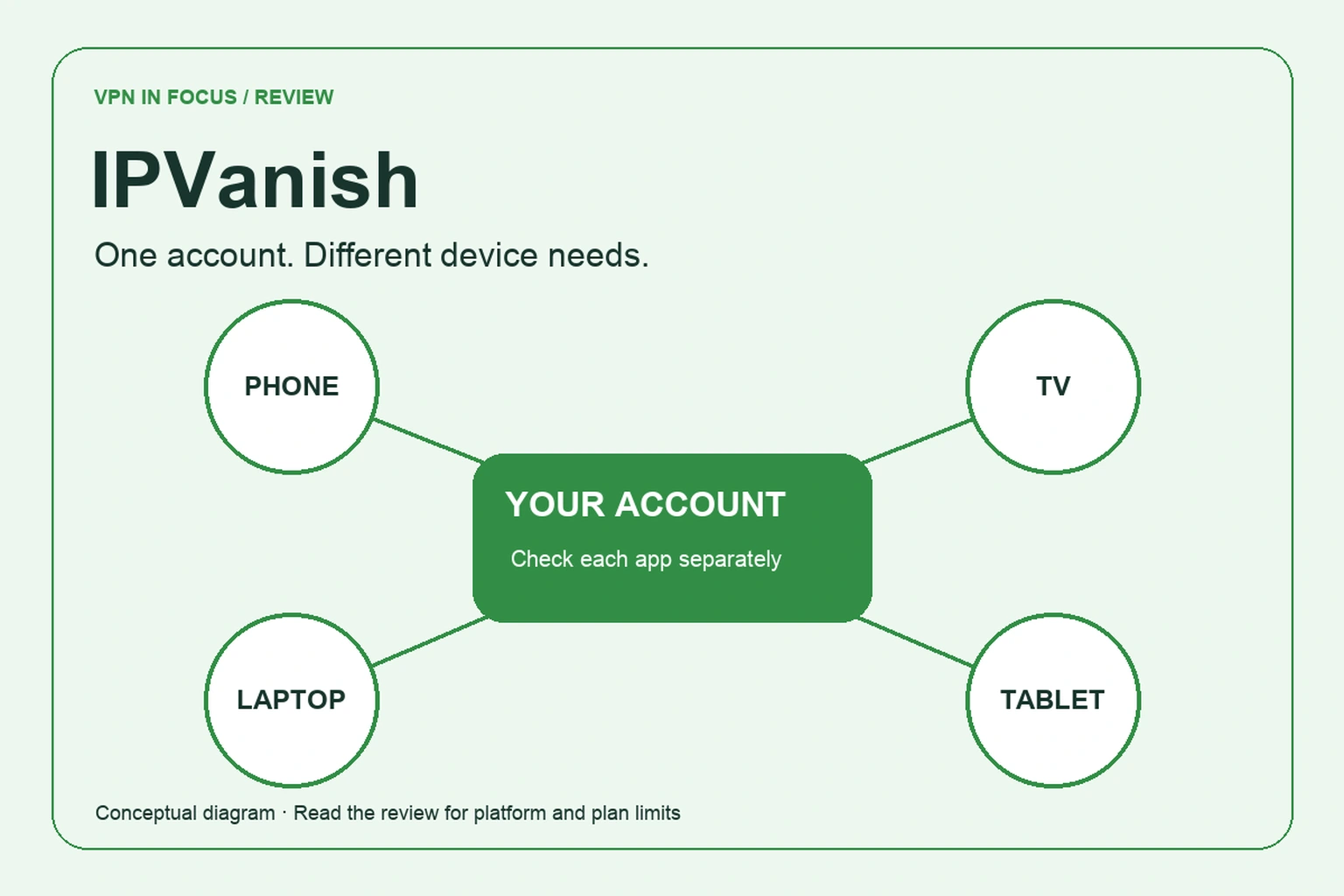
The most useful question is whether its particular apps fit your household. A streaming device that stays at home and a phone that moves between networks need different settings. We would evaluate those workflows independently, then compare the total subscription against alternatives such as Surfshark or NordVPN.
This review uses the developer’s current mobile listings as directly accessible primary sources. The main website’s policy pages were not accessible to our research client, so refund terms and some advanced features remain items to confirm before paying. We do not fill those gaps with a guessed promise or a third-party speed score.
What stands out
- Apps for mobile, desktop and TV devices
- Mobile connection rules and kill-switch controls
- Threat filtering in supported applications
What to weigh up
- Features differ between mobile and TV apps
- Trial eligibility depends on purchase channel
- Check the exact refund and bundle conditions
IPVanish at a glance
| Devices | Provider advertises one account for all your devices; confirm current terms |
|---|---|
| Free plan | Trials may be offered; paid subscription required |
| Protocols | WireGuard and IKEv2 in the cited iOS listing; check your platform |
| Platforms | Windows, macOS, Android, iOS, Fire TV, Apple TV and Chromebook listed |
| Port forwarding | Not established by cited mobile documentation |
| Refund conditions | Depends on plan and payment channel; verify before purchase |
Buying through the website or an app store
IPVanish is a subscription service. A listing marked free to download, or an offer mentioning a trial, does not mean permanent free VPN access. Read the payment sheet before confirming the purchase: it should identify when the trial ends, what will be charged and how renewal is handled.
Choose the purchase channel deliberately. If you subscribe through an app store, the store’s subscription management and refund process may be relevant. If you buy directly, keep the receipt and the provider’s current conditions. We have not verified a universal refund window that applies across every offer and payment channel.
For a practical comparison, calculate the amount needed for your intended period of use. A short trip may not justify a long prepaid plan, even when its displayed monthly equivalent is lower. If a plan includes additional products, assign value only to the ones you would otherwise use. An unused bundle does not improve the VPN connection.
Set up the devices that matter
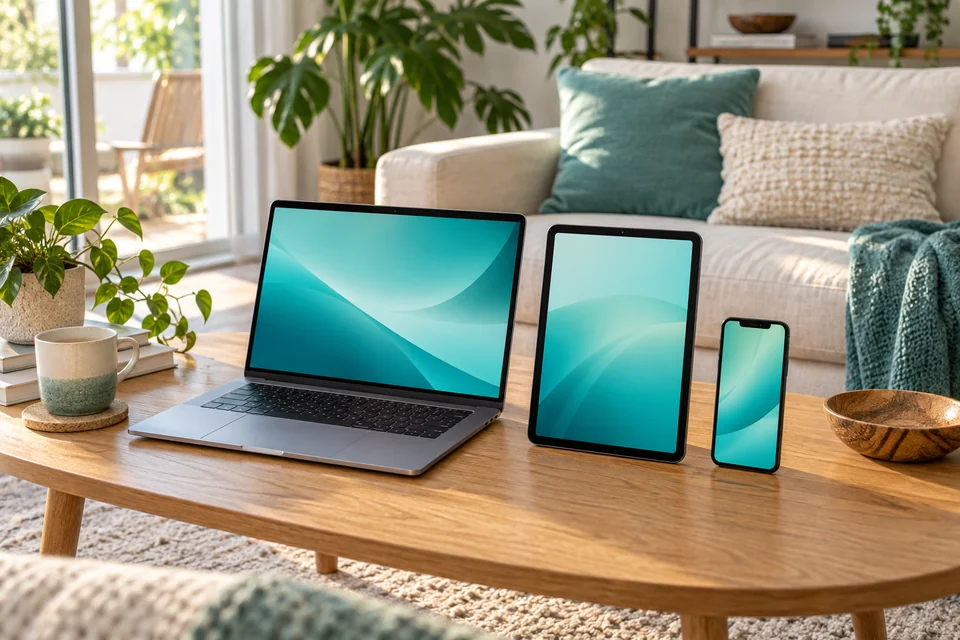
The Android listing names phone, desktop and TV platforms, including Fire TV and Apple TV. That is useful coverage, but it does not establish identical controls on each system. Start with the least flexible device in your household. If the television or work computer cannot use the required app, discovering that before subscribing is more valuable than learning how many servers appear in a list.
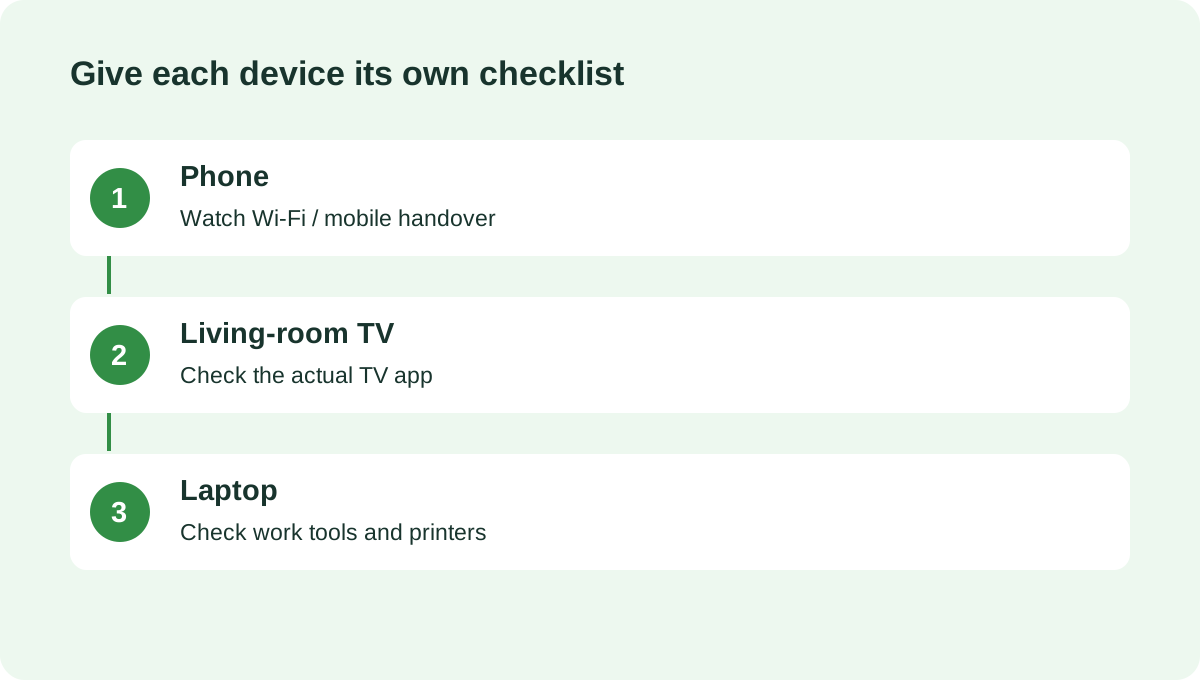
Build a small inventory: device, operating system, installation method and required task. For a phone, the task might be reconnecting after leaving home Wi-Fi. For a TV, it might be using a particular service with an account you already hold. For a laptop, it may include a local printer or a work application.
A router installation, where supported, creates a separate set of trade-offs. It can cover devices behind that router, but it does not protect a phone after it leaves home. It also moves troubleshooting into the router interface. Prefer ordinary apps unless you have a concrete reason to centralize the connection.
Mobile connection rules and protocols
The iOS listing documents WireGuard and IKEv2, automatic connection behavior, domain-based split tunneling and a kill switch. Those are platform-specific statements. Do not assume an Android, television or desktop installation has the exact same menu, or that every control can be used together in every version.
Automatic rules can reduce the chance of forgetting to connect on an unfamiliar network. They still need a clear intention. Decide whether you want the VPN active whenever the device is online, only on selected networks, or for a narrower situation. Then test the resulting behavior after a restart and a network change.
Domain exceptions deserve special care. If a site operates outside the tunnel, it uses the ordinary network path and can see that path’s public address. Keep a note of why you added each exception. When a temporary compatibility problem disappears, remove the exception instead of leaving an increasingly complicated rule set behind.
What Threat Protection can add
The developer advertises filtering for ads, trackers and harmful websites in supported apps. Think of it as an additional request filter, with a different job from the VPN tunnel. The tunnel changes the network route; a filter tries to stop selected destinations or requests from loading.
A blocked page is not automatically malicious, and an unblocked page is not automatically safe. If a legitimate service breaks, investigate whether filtering or routing is responsible before disabling the entire VPN. Make the smallest exception that restores the service and check whether it is still needed later.
Do not substitute a network filter for operating-system updates, a password manager or caution with downloaded files. A connection tool cannot decide whether the invoice you received is genuine or whether you should grant an unfamiliar application access to your account.
How to read the privacy evidence
The developer’s store description advertises a no-logs policy and a third-party audit. We have not inspected the audit report as part of this review. Its scope, date and findings are therefore questions to investigate, not a basis for a blanket certification from this site.
Store privacy disclosures also discuss application and account data. Those disclosures do not automatically describe the contents of VPN traffic logs; the categories serve different purposes. Read the current policy for account identifiers, diagnostics, support messages and data-sharing arrangements before deciding whether the product matches your expectations.
Useful follow-up questions are concrete: which version was examined, which systems were included, and whether the report covers current operations. A service can publish a meaningful audit without that document answering every question about its website, billing systems or mobile SDKs.
A practical trial checklist
No speed benchmark or streaming success rate is claimed here. To evaluate IPVanish yourself, use the same device, network and ordinary task for each comparison. Record the selected location and protocol so that a later result is comparable.
Begin with a nearby server and a short video call. Check audio stability, connection recovery and whether the call survives a network transition. Next, test a typical download and a service you regularly use. Repeat at another time of day before deciding that one result represents everyday performance.
If an app behaves differently from the developer’s description, note its version and ask support about that exact configuration. For an unresolved problem, check the applicable cancellation deadline early. Troubleshooting should not accidentally consume the entire period in which your purchase is eligible for a refund.
IPVanish versus other device-focused VPNs
Surfshark is a natural alternative for a household considering simultaneous-device policies. NordVPN offers a different mix of specialty modes. Windscribe is worth examining if custom blocking rules and a limited free starting point matter more than a consistent brand across the living room.
Use the table to identify questions, then follow the review relevant to your platform. A feature that appears in an iPhone description should not be the reason you buy a television subscription without checking the television app.
| What matters | IPVanishRead review → |  SurfsharkRead review → SurfsharkRead review → |  NordVPNRead review → NordVPNRead review → |
|---|---|---|---|
| Best fit | Phones, TVs & everyday devices | Multi-device households | Everyday features |
| Simultaneous devices | Provider advertises one account for all your devices; confirm current terms | Unlimited | 10 |
| Free plan | Trials may be offered; paid subscription required | No permanent free plan | No permanent free plan |
| Connection protocols | WireGuard and IKEv2 in the cited iOS listing; check your platform | WireGuard, OpenVPN; IKEv2 on supported apps | NordLynx, OpenVPN; NordWhisper on supported apps |
| Multi-hop approach | Confirm availability in your current app | Dynamic MultiHop | Double VPN |
| Blocking tools | Threat Protection on supported apps | CleanWeb; additional security products depend on plan | Threat Protection; features vary by plan and platform |
| Port forwarding | Not established by cited mobile documentation | Not offered | Not offered |
| Refund policy | Depends on plan and payment channel; verify before purchase | 30 days; eligibility and purchase-channel terms apply | 30 days; eligibility and purchase-channel terms apply |
| Platform coverage | Windows, macOS, Android, iOS, Fire TV, Apple TV and Chromebook listed | Windows, macOS, Linux, Android, iOS; supported TV apps and routers | Windows, macOS, Linux, Android, iOS; supported TV apps and routers |
| Operating jurisdiction | IPVanish, Inc.; consult current service terms | Netherlands | Panama |
| Code transparency | Proprietary apps; protocol code is a separate matter | Selected components; not all apps | Selected components; not all apps |
| Support options | In-app support, help center and email | Live chat and help center | Live chat and help center |
| Current plans | View plans | View plans | View plans |
IPVanish questions answered
Is IPVanish permanently free?
No permanent free plan is established by the cited listings. The application may offer a trial, but continued use requires a subscription. Check the renewal details on the purchase screen.
Does it support TV devices?
The developer lists Fire TV and Apple TV among supported platforms. Check the current app for your device and the features you need; mobile and TV controls can differ.
Are the performance claims independently tested here?
No. This is a documentation-based review. We explain a practical evaluation process and identify gaps rather than presenting invented speed or streaming results.
Check current plans, device support, renewal terms, and cancellation conditions directly with the provider.
Visit IPVanishSources & further reading
Feature statements were checked against the developer’s mobile app listings on September 24, 2026. The main website’s policy pages could not be retrieved by our research client; those links are provided for your purchase-time checks. No audit report or laboratory results were independently verified for this review.
About the author

Maya’s section makes the mechanics of online privacy easier to understand. Topics include encrypted connections, public Wi-Fi, browser privacy, and small settings changes that readers can check on their own devices.
Maya Bennett is a fictional contributor profile created for this publication. This profile does not represent a verified individual or professional credentials. Read our editorial policy.