 Multi-device households
Our take
A flexible subscription for a household full of devices.
Who should choose Surfshark?
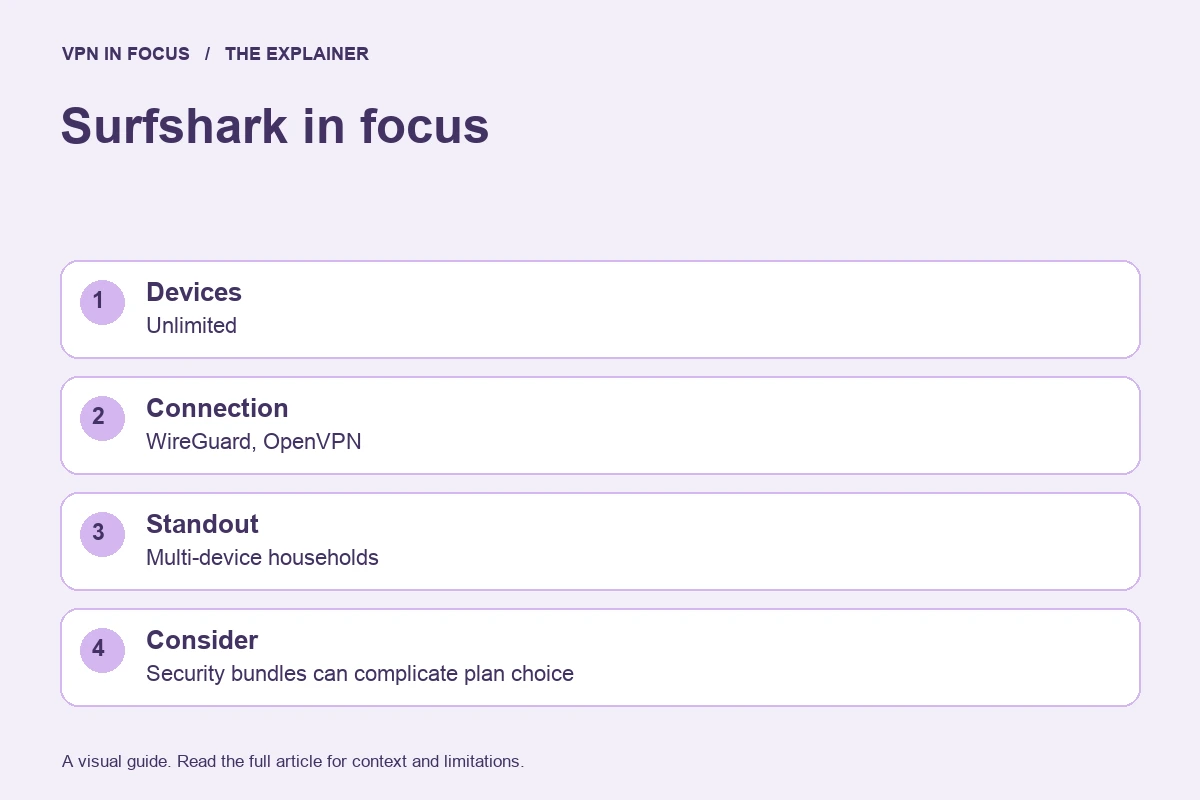
Surfshark stands out most clearly when several people or devices need a VPN at the same time. Its unlimited simultaneous-connections policy removes the need to allocate a small set of device slots. That is useful for a home with phones, laptops and streaming devices, although each device still needs a supported app or network setup.
The other attraction is flexibility. Bypasser lets supported apps route selected traffic outside the tunnel, while Dynamic MultiHop lets you consider a more complex route when your needs justify it. These controls are useful only when you understand their scope. Excluding a banking app from the tunnel may restore access, but that app is then using the ordinary network path.
Our practical take is to shortlist Surfshark for household coverage, then compare its base VPN subscription with its wider security bundles. “Unlimited devices” describes the account allowance; it does not promise unlimited bandwidth on your home internet, interchangeable features across operating systems, or permission to ignore acceptable-use terms.
What stands out
- Unlimited simultaneous connections
- Customizable MultiHop routes
- Bypasser for selective routing
What to weigh up
- Security bundles can complicate plan choice
- Bypasser controls differ between platforms
- No incoming port forwarding
Surfshark at a glance
| Devices | Unlimited |
|---|---|
| Protocols | WireGuard, OpenVPN; IKEv2 on supported apps |
| Free option | No permanent free plan |
| Port forwarding | Not offered |
| Refund window | 30 days; eligibility and purchase-channel terms apply |
| Jurisdiction | Netherlands |
Prices, plans and renewal terms
Surfshark markets a VPN subscription alongside bundles such as Surfshark One and One+. Compare the actual included products before using the headline discount as a deciding factor. Antivirus, identity-related tools and data-removal services solve different problems from a VPN and may have separate platform or regional limits.
A long subscription usually involves an upfront payment, even when the advertisement expresses the cost per month. Divide the total by the number of included months and record the renewal terms separately. A short plan can be a useful way to evaluate a demanding setup without committing to years of service. The advertised 30-day refund window is subject to the provider’s rules and the store through which you pay.
Plan choices at a glance
| Option | Main distinction | Buying consideration |
|---|---|---|
| Starter | VPN and included entry-level tools | Start with the connection features you need |
| One | Adds a wider security bundle | Check antivirus and other product support on your device |
| One+ | Includes further identity or data-removal services | Confirm availability and scope in your country |
Example only: a $72 charge covering 24 months is a $3 monthly equivalent, not a $3 monthly payment. If renewal is $90 for 12 months, the later equivalent is $7.50. Use the actual checkout totals, taxes and term lengths for your offer.
Connection features and advanced tools
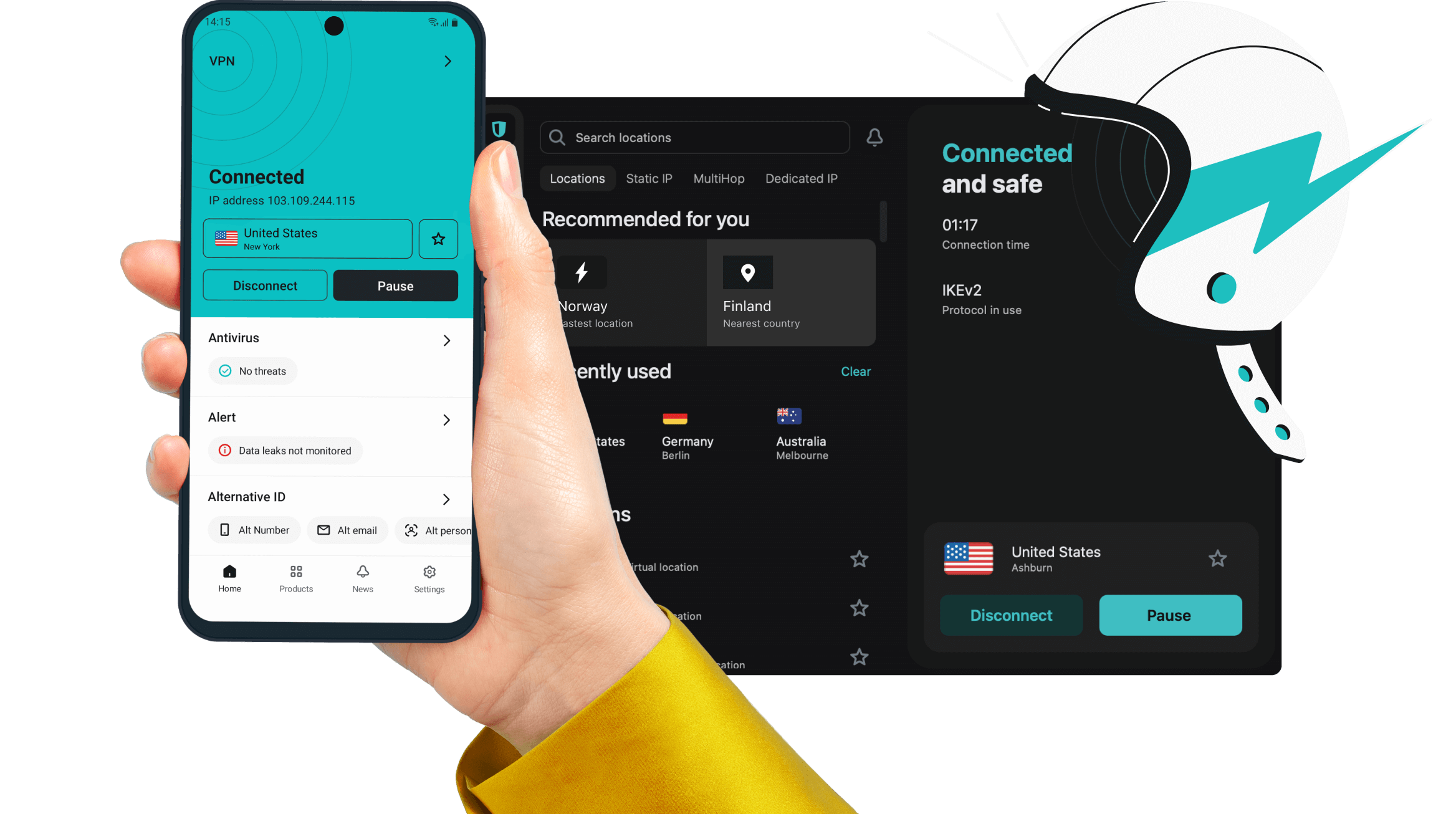
WireGuard is a useful starting protocol on supported Surfshark apps; OpenVPN offers another option when troubleshooting a network. Avoid changing the protocol, server, DNS settings and bypass rules all at once. If the connection improves, you otherwise will not know which change mattered.
Bypasser is Surfshark’s name for selective routing. Its available controls differ by operating system, so a desktop application exclusion and a mobile website exclusion should not be treated as the same feature. A practical example is keeping a local printer or an IP-sensitive service reachable while other traffic uses the VPN. Make the exception as narrow as possible and recheck it after an app update.
Dynamic MultiHop lets you choose a route involving more than one VPN location. It is a specialist option, not a universal speed upgrade. CleanWeb addresses certain ads, trackers and malicious destinations, with differences between implementations and plans. Blocking a known domain cannot guarantee that every dangerous file, scam or in-page advertisement is detected.
Privacy, logging and security
Surfshark’s privacy claims should be evaluated alongside the policy, app permissions and available security documentation. An unlimited connection allowance does not mean the account is anonymous. Your purchase, account access and support interactions create information distinct from VPN browsing activity.
Enable and understand the kill switch on each device. Mobile operating systems can suspend apps or manage network transitions differently from a desktop computer. Verify that protection resumes after moving from home Wi-Fi to cellular data. If an operating-system VPN setting offers a separate “block connections without VPN” control, read how it interacts with the app before enabling both.
MultiHop changes the route but does not erase the identity you reveal by logging into an account. Likewise, an alternative email or identity-related extra is not a replacement for unique passwords and multi-factor authentication. Treat each feature as a specific layer with a defined job.
Speed and connection reliability
A household subscription has two bottlenecks to consider: the VPN route and the shared internet connection. If four people stream at once, the household’s line can become busy even though the VPN allows all four devices. Compare one device at a time before diagnosing a service-wide problem.
Start with a nearby single-hop WireGuard connection where supported. Then test the route you actually need. A custom MultiHop path is a separate workload and may add latency. On a phone, repeat a short call after changing networks; a high download result alone will not reveal whether the connection resumes gracefully.
This is a research-based assessment of documented features and policies. We have not performed a controlled hands-on speed, leak or streaming test for this review. No measured score or pass result is implied. Provider sources and the review date are listed below.
Streaming and viewing on different devices
Surfshark’s broad device coverage makes it a candidate for households that watch on different screens. Check the exact TV platform first. A browser extension, smart DNS setting and native VPN app have different privacy properties; smart DNS is not an encrypted VPN tunnel. Availability of a specific streaming service can change, so verify your own permitted use before committing to a long plan.
Torrenting and incoming connections
Surfshark can be evaluated for permitted P2P traffic, but it does not provide incoming port forwarding. A user who needs remote peers to initiate a connection may prefer a supported Proton VPN or PIA setup. For occasional authorized downloads, concentrate on stable routing, app binding where available, and the behavior of the kill switch.
Apps, compatibility and getting started
Surfshark provides apps for major desktop and mobile operating systems, plus supported TV and router arrangements. Installing the app on every device makes its status visible locally and preserves protection away from home. A router connection is convenient for some devices without an app, but one router route may be less flexible than separate app locations.
Keep an inventory of the features you need on each platform. A household may use Bypasser on a Windows laptop, a basic connection on an iPhone and a TV app with fewer controls. That can still be a good setup; it just should not be described as an identical feature set everywhere.
A focused first-day check
- Install the official app and establish a normal nearby connection.
- Confirm the public exit address and test the applications you actually use.
- Read the kill-switch settings and verify reconnection after sleep or a network change.
- Add one optional feature at a time, recording any intentional routing exception.
- Keep the purchase receipt, renewal date and relevant refund deadline.
Customer support and troubleshooting
Use Surfshark’s feature guide and help center to confirm the current controls for your operating system. When asking live support about Bypasser, specify whether you need an app, website or network exception. If one streaming service fails, give the device and app details without sharing account credentials. Keep the provider’s answer with your checkout records if a feature is central to the purchase.
How it compares with the alternatives
PIA is the most direct alternative for unlimited device connections, especially when port forwarding or deeper desktop controls matter. NordVPN is worth comparing if ten simultaneous devices are enough and its specialty features suit you. Proton VPN provides a permanent free entry point, which Surfshark does not. ExpressVPN may appeal if you place greater value on a simplified connection flow than on an unlimited allowance.
| What matters | SurfsharkRead review → |  Private Internet AccessRead review → Private Internet AccessRead review → |  NordVPNRead review → NordVPNRead review → |
|---|---|---|---|
| Best fit | Multi-device households | Advanced connection controls | Everyday features |
| Simultaneous devices | Unlimited | Unlimited | 10 |
| Free plan | No permanent free plan | No permanent free plan | No permanent free plan |
| Connection protocols | WireGuard, OpenVPN; IKEv2 on supported apps | WireGuard and OpenVPN; other options vary by app | NordLynx, OpenVPN; NordWhisper on supported apps |
| Multi-hop approach | Dynamic MultiHop | VPN with proxy routing on supported desktop apps | Double VPN |
| Blocking tools | CleanWeb; additional security products depend on plan | MACE; availability depends on app and distribution | Threat Protection; features vary by plan and platform |
| Port forwarding | Not offered | Supported server locations; not every region | Not offered |
| Refund policy | 30 days; eligibility and purchase-channel terms apply | 30 days for eligible purchases; exclusions apply | 30 days; eligibility and purchase-channel terms apply |
| Platform coverage | Windows, macOS, Linux, Android, iOS; supported TV apps and routers | Windows, macOS, Linux, Android, iOS; supported routers and browser extensions | Windows, macOS, Linux, Android, iOS; supported TV apps and routers |
| Operating jurisdiction | Netherlands | United States | Panama |
| Code transparency | Selected components; not all apps | Open-source VPN apps | Selected components; not all apps |
| Support options | Live chat and help center | 24/7 customer support and help center | Live chat and help center |
| Current plans | View plans | View plans | View plans |
Frequently asked questions
Does unlimited mean every device gets its own full internet speed?
No. All devices still share the available connection capacity. The policy removes a numerical simultaneous-device cap, subject to the provider’s terms.
Is CleanWeb the same as antivirus?
No. Blocking known destinations and scanning files are different functions. Check the exact Surfshark bundle and operating system for each capability.
Can Bypasser exclude an app on every operating system?
The controls are platform-specific. Read the current feature guide for your device rather than assuming that a Windows app exclusion is available in the same form on iOS.
Check current plans, device support, renewal terms, and cancellation conditions directly with the provider.
Visit SurfsharkSources & further reading
Provider statements describe advertised capabilities. They are not independent performance measurements. Sources were consulted while preparing this article on September 24, 2026.
About the author

Alex’s coverage starts with a simple question: what do you actually need a VPN to do? This profile brings together buying guides and service comparisons, with a focus on subscription terms, device compatibility, and useful everyday features.
Alex Morgan is a fictional contributor profile created for this publication. This profile does not represent a verified individual or professional credentials. Read our editorial policy.