Start with the problem you want to solve
A VPN is useful when you want to change who can observe part of your network path or route traffic through a different exit. It is not a universal privacy subscription. Before choosing a provider, identify the network, the information you want to protect and the party you are concerned about.
For example, a traveller may want a consistent encrypted tunnel on unfamiliar networks. Someone working from home may need an employer-provided VPN to reach internal systems. A person trying to stop advertising profiles may need to change browser and account settings as well as, or instead of, buying a consumer VPN.
When a personal VPN can help
On a network you do not manage, a VPN encrypts the path between your device and the VPN server. The local network can still see that your device is communicating, and the VPN provider becomes a party you trust. HTTPS already protects the content of properly secured web connections, but the two layers have different scope.
A VPN can also replace the public IP address visible to a destination with that of an exit server. This can be useful for a permitted location-dependent workflow or to avoid exposing your ordinary network address to a service. It does not erase cookies, payment details or the identity of an account you sign into.
When another tool matters more
For stolen passwords, use unique passwords and multi-factor authentication. For phishing, check the destination and the request rather than assuming an encrypted connection makes it legitimate. For malware, keep the operating system and applications updated and use suitable endpoint protection. These are different problems from network routing.
If you are worried about a website’s profile of your activity, review signed-in accounts, browser permissions and tracking controls. A VPN can change an IP address while the site still recognizes the same account. Private browsing limits some local browser records but does not create a VPN tunnel.
Four everyday situations
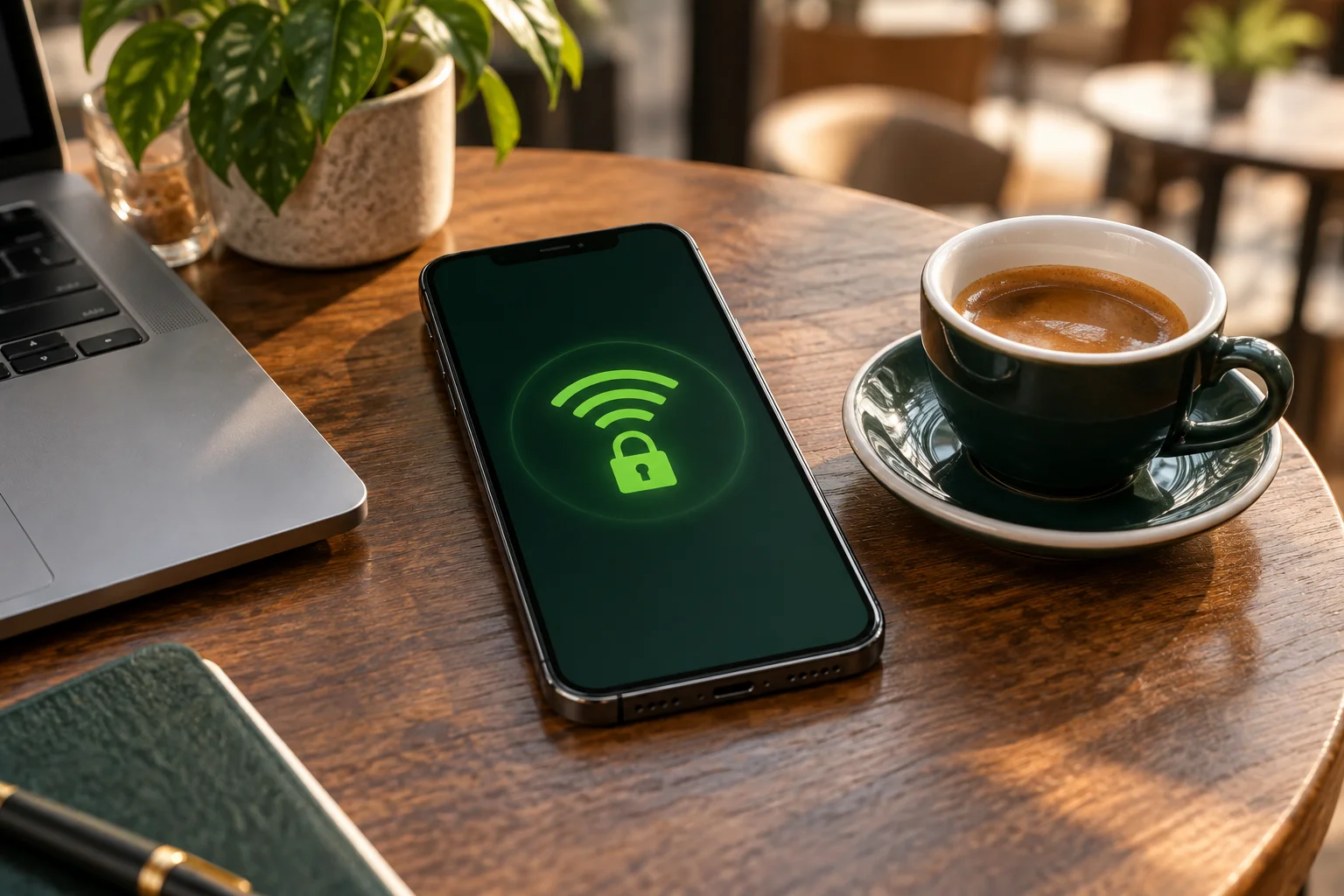
At a café, verify the legitimate network name, avoid unexpected certificate or profile installations and use HTTPS. A reputable VPN can add a network tunnel once the captive portal is complete. At home, decide whether changing the ISP-visible network path is worth introducing a VPN provider.
At work, use the organization’s approved tools and follow its network policy. A personal VPN does not replace the company’s access system. When travelling, check whether your apps and destination allow the intended use, install official software before departure and keep a recovery method that does not depend on the VPN already working.
Free, paid or no subscription?
A transparent free plan can be enough for occasional basic use if its locations and restrictions suit you. Proton Free is one example in our comparison, with no advertised data cap but a narrower feature set. Evaluate the business model and permissions of any free service rather than assuming a zero price means a zero trade-off.
A paid service becomes more relevant when you need particular locations, several devices or advanced features. Compare the total commitment and renewal terms. If you cannot name a problem the VPN solves for you, delaying a subscription can be a reasonable decision.
Make a short evaluation plan
Write down three normal tasks: perhaps a call, access to a local printer and browsing after changing networks. Establish that they work without changing several settings, then test with the VPN. Check reconnection after sleep and understand the kill-switch behavior.
Keep notes about the device, app version, protocol and location. If a feature is essential, verify it in the current platform guide before paying. Use our side-by-side comparison to shortlist services and the full reviews to understand the limitations behind the feature names.
Questions to answer before subscribing
How many devices need to connect at the same time? Which operating systems do they run? Do you need a full-device tunnel or only a browser-level feature? Is a particular routing control essential? Who will manage the subscription and renewal?
Those answers produce a more useful shortlist than a generic “best VPN” label. A VPN is one part of a privacy routine, and its value depends on whether that part matches your actual need.
Understand how a VPN works, then compare the services side by side. Choose the scope and features that match your situation.
Sources & further reading
Provider statements describe advertised capabilities. They are not independent performance measurements. Sources were consulted while preparing this article on September 24, 2026.
About the author

Maya’s section makes the mechanics of online privacy easier to understand. Topics include encrypted connections, public Wi-Fi, browser privacy, and small settings changes that readers can check on their own devices.
Maya Bennett is a fictional contributor profile created for this publication. This profile does not represent a verified individual or professional credentials. Read our editorial policy.