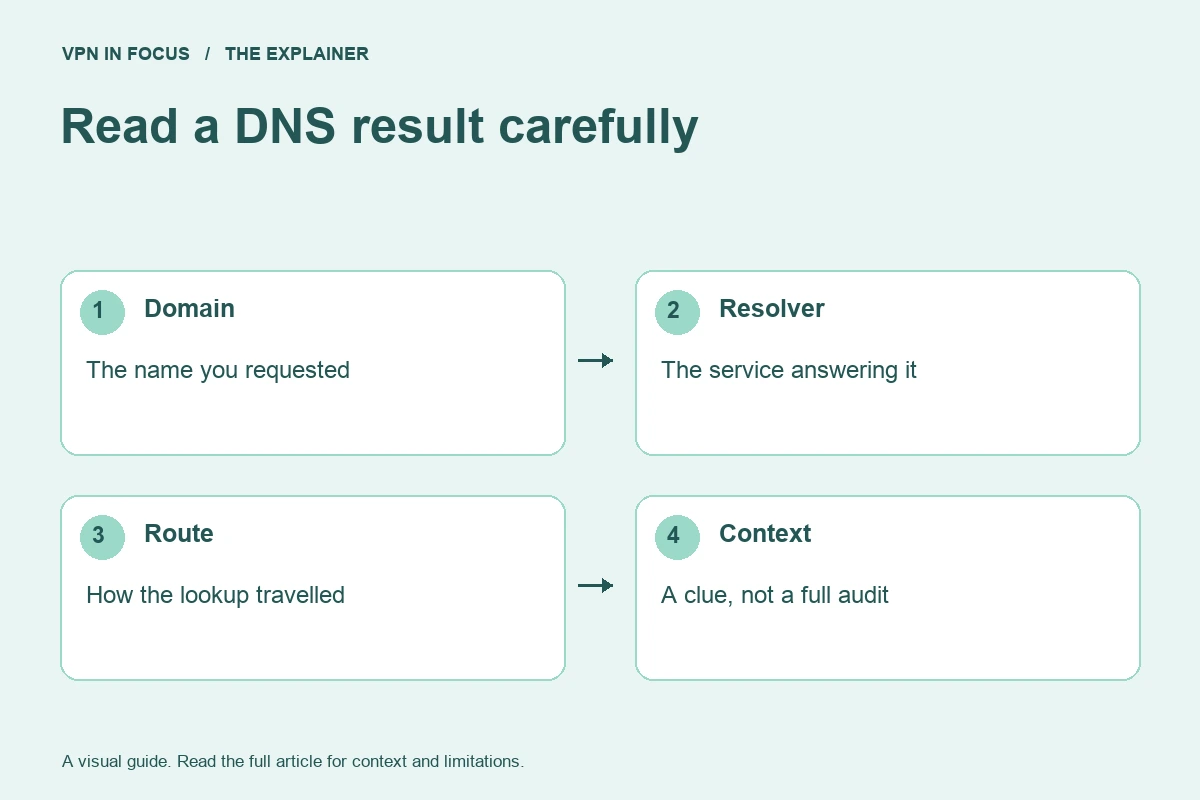
A DNS test can show which resolver appears to answer a set of test queries. That is useful information, but it is not a complete audit of a device’s privacy. This briefing explains why a result needs context before it becomes a conclusion about a VPN.
DNS helps translate names into information used to reach services. The route and resolver involved can depend on the operating system, browser settings, VPN app, and network. A single label on a test page cannot describe all those layers at once.
Establish the intended behavior
Read what the VPN says about DNS handling on your platform. Then check whether you have separately configured secure DNS in the browser or a custom resolver in the operating system. Those settings may be relevant to the result.
The question is whether traffic follows the intended policy, not whether the resolver’s displayed name looks familiar. A service may use infrastructure whose public label differs from the consumer brand. Conversely, a familiar name alone does not establish that every request used the expected route.
Keep the test controlled
Record the device, browser, VPN app version, protocol, and relevant DNS settings. Compare a no-VPN baseline when appropriate, then connect and repeat the same test. Avoid changing several configuration layers between runs.
If the result is unexpected, inspect the provider’s documentation before declaring a leak. Ask what the test actually observed and whether a browser-specific setting explains it. A precise support question is more useful than a screenshot with no context.
Know what remains untested
A browser page observes the queries generated for its test. It does not necessarily cover every app, every network transition, IPv6 routing, startup behavior, or the kill switch. Passing one check should not become a claim that the device cannot expose information in any other scenario.
The same limit applies in the other direction. An unfamiliar result is a reason to investigate, not automatically proof of malicious behavior. Privacy tools are easier to evaluate when diagnostic clues remain distinct from final judgments.
This week’s practical check
Write down your intended DNS setup in plain language and identify which application controls it. If multiple layers have been customized, simplify or document them before testing. Use the VPN connection guide to keep the resolver question connected to the broader route rather than treating one test as the whole picture.
Sources & further reading
This evergreen briefing was prepared on September 24, 2026 for scheduled publication. It does not report a future event. Check linked documentation for changes to product behavior.
About the author

Maya’s section makes the mechanics of online privacy easier to understand. Topics include encrypted connections, public Wi-Fi, browser privacy, and small settings changes that readers can check on their own devices.
Maya Bennett is a fictional contributor profile created for this publication. This profile does not represent a verified individual or professional credentials. Read our editorial policy.